
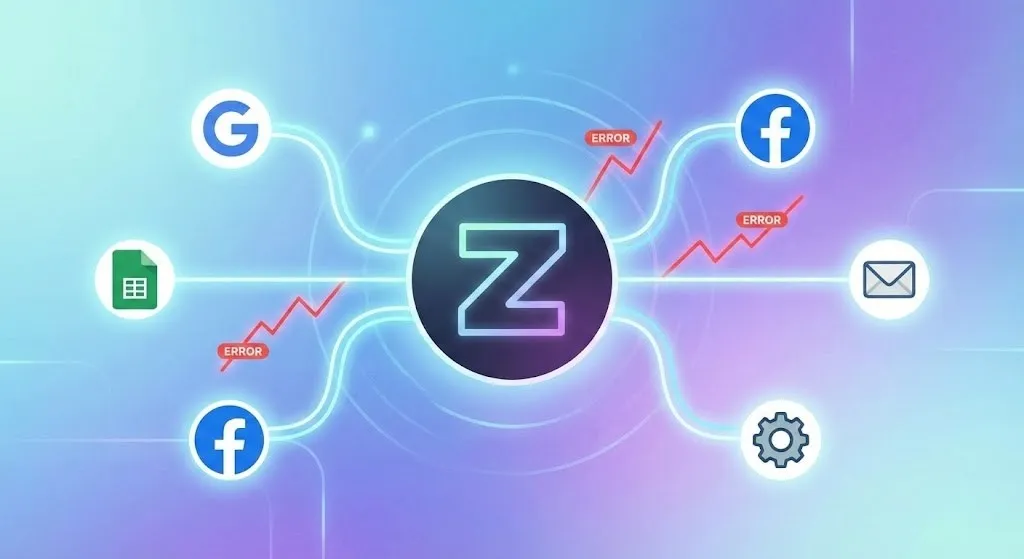
Zapier is one of the most powerful automation tools used by marketers, businesses, agencies, and students today. It helps automate tasks, save time, and improve productivity. That’s why many people learn Zapier during digital marketing training and placement, a basic digital marketing course, a performance marketing course, an advanced digital marketing course, or while studying in a digital marketing institute.
But sometimes Zapier shows errors — and when that happens, many users panic 😅
Don’t worry!
In this blog, we will discuss the most common Zapier errors and step-by-step solutions to fix them easily.
🚨 Why Do Zapier Errors Happen?
Errors mainly happen because:
✔ Wrong app connection
✔ Incorrect login or authentication
✔ Missing permissions
✔ Incorrect mapping of data
✔ Wrong filters or conditions
✔ API limits or restrictions
Zapier errors are normal — and easy to fix if you understand them.
🔧 Common Zapier Errors & How to Fix Them
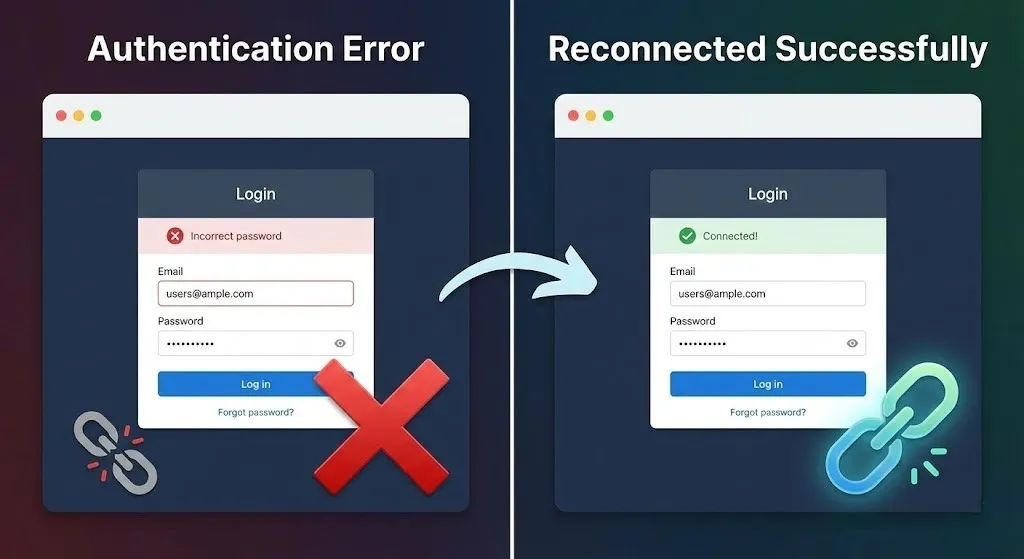
❌ 1️⃣ Authentication / Login Error
This error appears when Zapier cannot connect to your app like Gmail, Facebook, Google Sheets, or CRM.
🔍 Why It Happens
- Wrong login details
- Expired connection
- Password changed
- App permissions removed
🛠️ How to Fix
1️⃣ Go to My Apps in Zapier
2️⃣ Reconnect the app
3️⃣ Login again properly
4️⃣ Allow all permissions
5️⃣ Test connection
This is one of the first troubleshooting lessons taught in a basic digital marketing course and performance marketing course.
❌ 2️⃣ Trigger Not Working
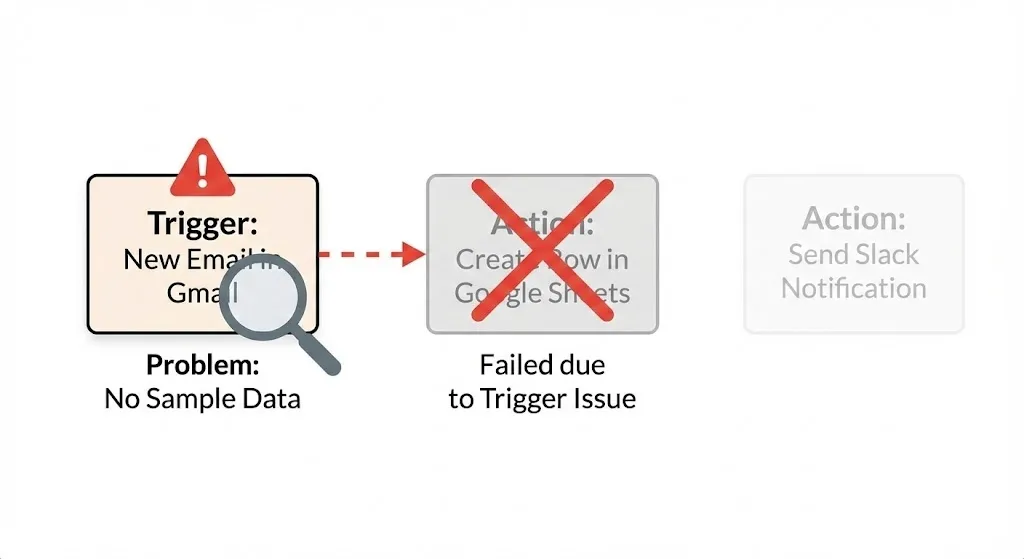
Sometimes Zapier does not start at all.
🔍 Why It Happens
- Wrong trigger selected
- No sample data
- Wrong account connected
- Trigger conditions not matching
🛠️ How to Fix
1️⃣ Check trigger app and event
2️⃣ Make sure correct account is selected
3️⃣ Create a fresh test entry
4️⃣ Click Test Trigger again
Students learning in digital marketing training and placement programs face this issue often in the beginning.
❌ 3️⃣ Action Not Working
Trigger works, but Zapier fails at the action step.
🔍 Why It Happens
- Incorrect field mapping
- Missing required fields
- Wrong data type
- Destination app restrictions
🛠️ How to Fix
1️⃣ Open the action step
2️⃣ Check all required fields
3️⃣ Correctly map the data
4️⃣ Test again
This troubleshooting skill is very useful in a performance marketing course and advanced digital marketing course.
❌ 4️⃣ “App Returned Error” Problem
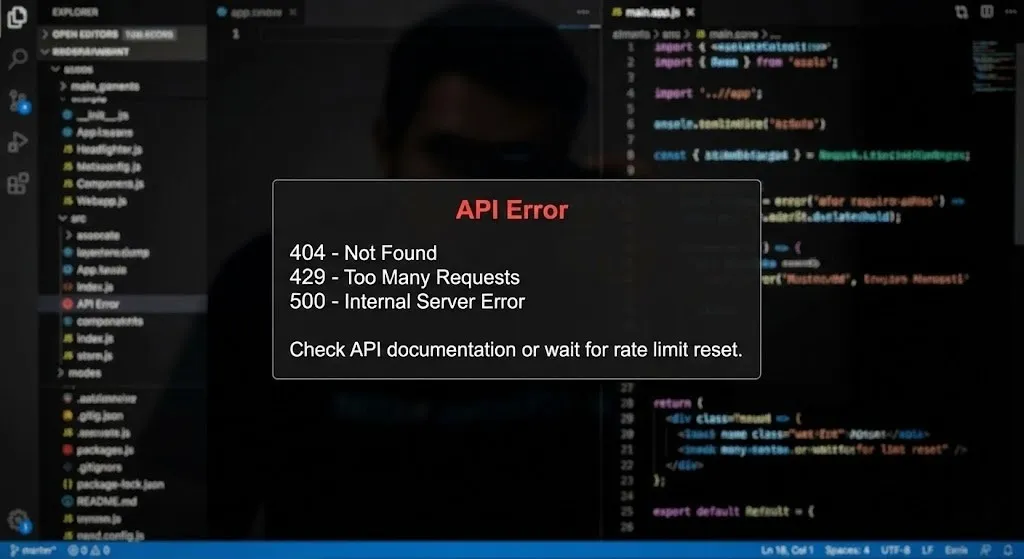
Zapier sometimes shows:
⚠️ App returned an error
⚠️ 400 — Bad Request
⚠️ 403 — Forbidden
⚠️ 404 — Not Found
⚠️ 429 — Too Many Requests
🔍 Why It Happens
- App limits exceeded
- API restrictions
- Wrong URL or data
- Feature not allowed in free plan
🛠️ How to Fix
✔ Wait if rate-limit error appears
✔ Upgrade plan if needed
✔ Check app documentation
✔ Correct request format
Practical handling like this is what makes students skilled in an advanced digital marketing course.
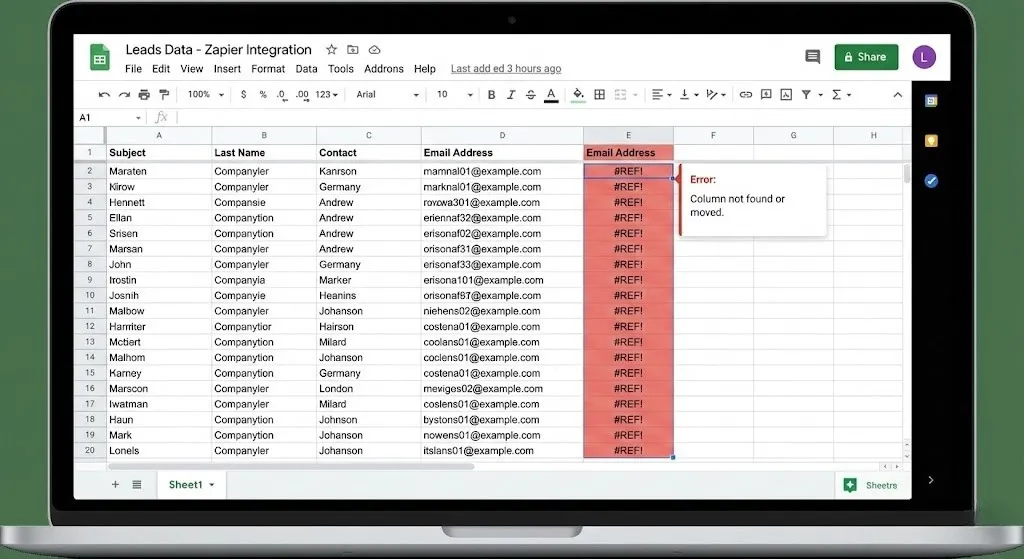
❌ 5️⃣ Google Sheets Issues
This is one of the most common Zapier problems.
🔍 Why It Happens
- Wrong sheet selected
- Sheet name changed
- Column removed
- File moved from original folder
🛠️ How to Fix
1️⃣ Open Google Sheets
2️⃣ Check column names
3️⃣ Don’t move files after Zap setup
4️⃣ Reconnect Google Account
5️⃣ Refresh Zap and retest
Many learners face this issue during digital marketing training and placement projects.
❌ 6️⃣ Filter Not Passing
Your Zap may stop because the filter condition failed.
🔍 Why It Happens
- Wrong filter logic
- Wrong condition
- No data in field
🛠️ How to Fix
✔ Recheck filter condition
✔ Match correct data field
✔ Ensure data actually exists
Filters are commonly used in performance marketing course automation training.
❌ 7️⃣ Path / Conditional Logic Problem
If you use Zapier Paths, sometimes the flow doesn’t move as expected.
🔍 Why It Happens
- Incorrect condition setup
- Logical mismatch
- Wrong field selection
🛠️ How to Fix
1️⃣ Open Path
2️⃣ Recheck “If / Else” logic
3️⃣ Match exact data condition
4️⃣ Test with correct sample data
This is usually covered in advanced sections of a digital marketing institute or advanced digital marketing course.
❌ 8️⃣ Webhook or API Failure
Advanced users sometimes see webhook errors.
🔍 Why It Happens
- Wrong endpoint URL
- Incorrect payload
- Security block
- App not supporting Webhooks
🛠️ How to Fix
✔ Check API documentation
✔ Verify headers
✔ Use correct method (POST / GET)
✔ Retest
Professionals studying automation inside performance marketing course and advanced training deal with this often.
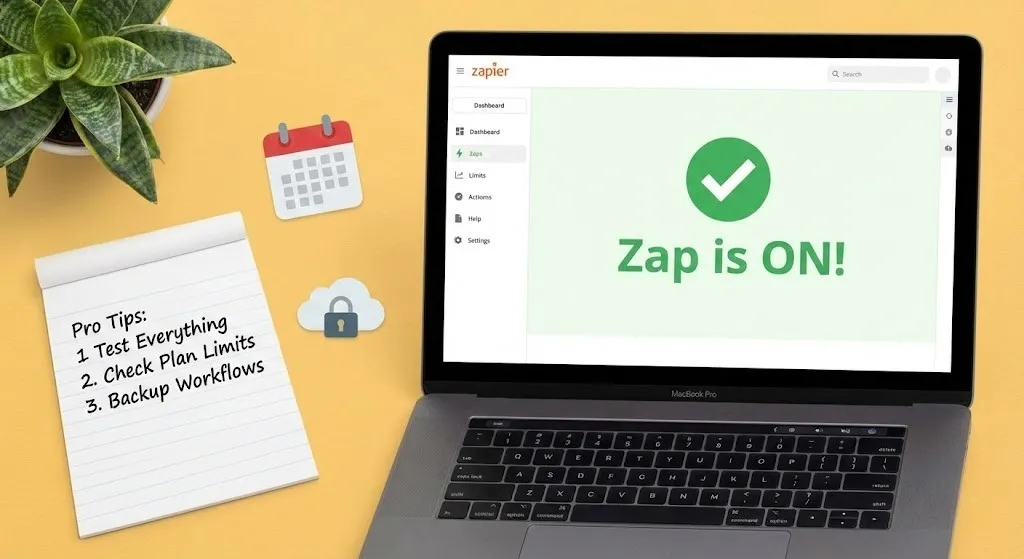
🧠 Pro Tips to Avoid Zapier Errors
✔ Always test each step
✔ Never rush setup
✔ Use correct account every time
✔ Keep app permissions enabled
✔ Avoid renaming folders/files
✔ Check plan limits
✔ Keep backup workflows
These troubleshooting habits are highly valued in digital marketing training and placement programs.
🎓 Why Learning Zapier Error Fixing Is Important
Companies don’t just want marketers — they want smart marketers who understand tools and automation. If you want a strong career, these skills help massively.
That’s why Zapier is included in:
- digital marketing training and placement
- basic digital marketing course
- performance marketing course
- advanced digital marketing course
- training in a professional digital marketing institute
Knowing how to fix Zapier errors makes you more confident and job-ready.
🧩 Real-Life Scenarios
⭐ Example 1: Digital Agency
Their Zap stopped capturing Facebook leads.
They fixed authentication and workflow restarted smoothly.
⭐ Example 2: Training Institute
A digital marketing institute used Zapier for student inquiries.
They solved trigger and sheet mapping issues — and automation worked perfectly again.
⭐ Example 3: Performance Marketer
During campaigns, reporting Zap stopped.
They fixed Google Sheets structure and everything worked again.
✅ Final Thoughts
Zapier errors are common — but they are easy to fix if you understand them. From authentication issues to filters, paths, Google Sheets problems, and webhook failures, everything has a simple solution. The more you work with Zapier, the more confident you become.
If you are learning through digital marketing training and placement, starting a basic digital marketing course, studying a performance marketing course, upgrading in an advanced digital marketing course, or training at a digital marketing institute, mastering Zapier troubleshooting will give you a strong professional edge.
Automation makes work smarter — and knowing how to fix it makes you powerful.
Disclaimer: The images and videos used in this blog are for educational and illustrative purposes only. Some visuals may be generated using AI tools, while others are sourced from publicly available platforms. We do not claim ownership of any third-party images or videos. All rights and credits belong to their respective owners.
More Courses
Social Media Marketing course with Gen AI
Advance Digital Marketing & SEO course with Gen AI
Advanced Certificate in Digital Design & Marketing course with Gen AI

