Learn Computer Basics & Generative AI — MS Office, Internet & AI Tools
A beginner‑friendly, hands‑on program for students, job seekers, professionals & entrepreneurs — combine MS Word, Excel, PowerPoint and the internet with Generative AI for future‑ready digital productivity. No prior experience needed.
Digital productivity, powered by AI
Microsoft Office and AI tools are now essential across corporate, startup and freelance roles — this program builds both, so you work faster and smarter every day.
From basics to workplace-ready digital skills
Create documents, spreadsheets and presentations in Word, Excel & PowerPoint.
Research, email, and manage files with cloud storage safely.
Use AI tools for content, images and faster workflows.
Combine Office and AI to work smarter across study, work and business.
5 modules · 36+ learning hours · 100% practical
A practical path — MS Word, Excel and PowerPoint, using the internet, and Generative AI tools woven through every skill.
The everyday tools you'll actually use
The everyday MS Office, internet and Generative AI toolkit for modern digital work.
Everyday projects you'll build
Learn by doing — apply each concept in small, confidence‑building programs.
Finish with real computer confidence
We don't just show you the buttons — we make sure you can create, organise and get things done on your own.
A folder of letters, sheets and presentations you created yourself.
Confidence with email, online booking and payments.
A solid base to move into Advanced Excel, Tally or programming courses.
Trusted by learners since 2006
Mentors with 20+ years of teaching and real industry experience.
Personal mentorship and doubt-solving for every student.
No prior experience needed — perfect for absolute beginners.
Trusted excellence in skilling since 2006.
Learn from industry experts

Experienced trainer in MS Office, computer fundamentals and digital productivity. Makes technology simple and approachable for every learner.

Specialist in Generative AI tools and digital skills training. Focuses on practical, hands-on learning that helps students apply AI in everyday work and study.
An industry‑recognized certificate
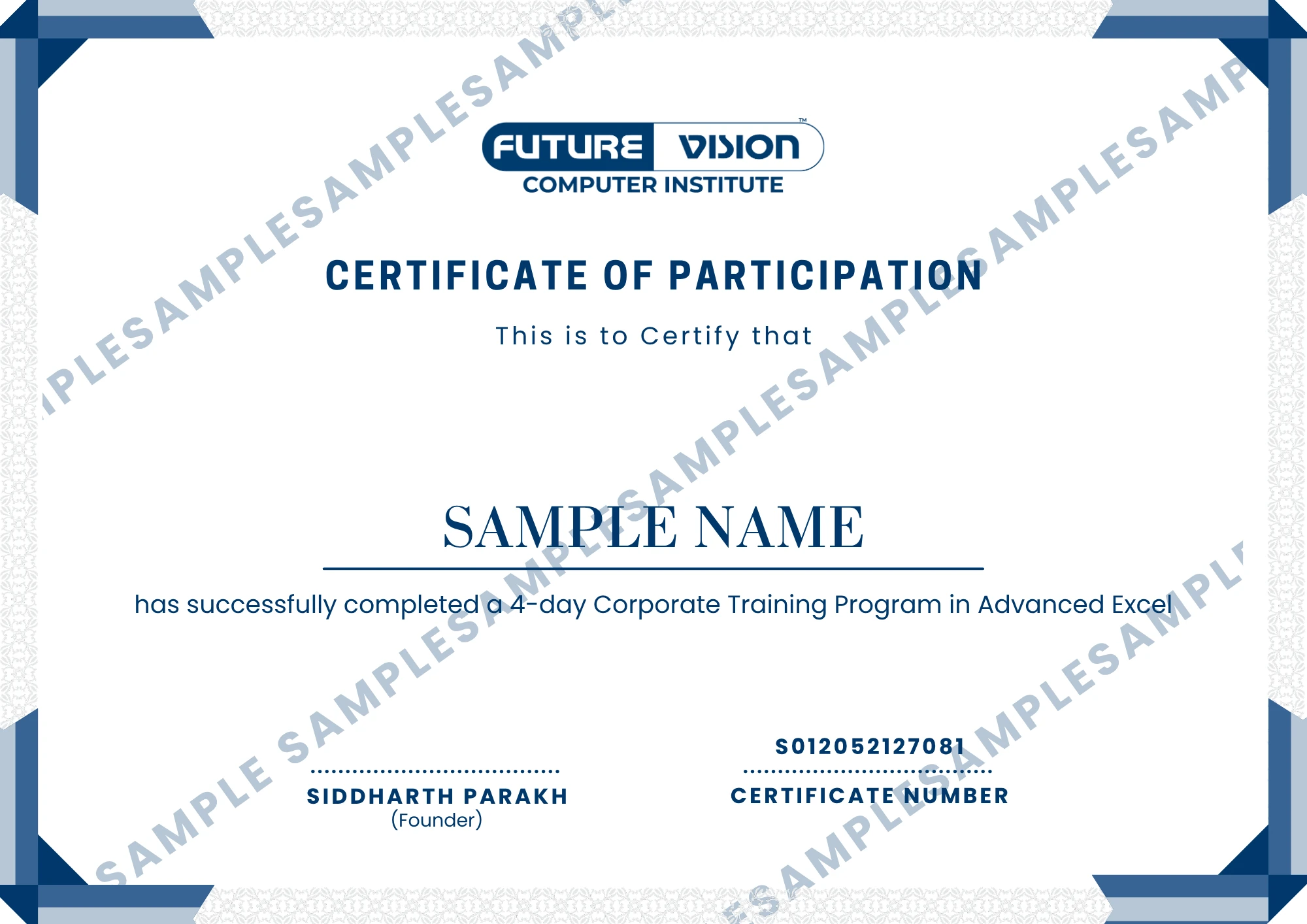
Earn your Computer Basics & Generative AI certificate on completion — a credential to strengthen your resume, LinkedIn and further studies.
We assume you have questions
No. It starts from the basics — you only need basic computer knowledge. No prior experience with Office or AI is required.
MS Word, Excel and PowerPoint 365, using the internet safely, and Generative AI tools for content, images and productivity.
Students, freshers, job seekers, freelancers, small business owners and homemakers wanting future-ready digital skills.
AI is woven through every module — drafting in Word with AI tools, AI content and image generation, and AI-assisted research and productivity.
Yes — a Computer Basics & Generative AI Foundation certificate on completion to strengthen your resume and job applications.
It runs over 1.5 months (6 weeks) with 36+ learning hours — 100% hands-on practical, plus career coaching sessions.
Choose the learning plan that fits you
Flexible batches with limited-time pricing — every plan includes complete study material.
All fees are one-time. Strikethrough shows the standard fee before the current offer.
Ready to begin your digital journey?
We believe in nurturing your dreams. Talk to our team and find the right batch for you.
