
Download Course Brochure
The Data Analysis Course is designed to help students and professionals develop strong analytical skills to interpret data and make informed business decisions. Data analysis involves inspecting, cleaning, transforming, and modeling data to discover useful insights and support strategic decision-making.
In this program, students learn how to analyze data using powerful tools such as Advanced Excel, SQL Databases, Power BI, Python, and R Programming. The course focuses on practical data analysis techniques including data visualization, statistical analysis, data modeling, and exploratory data analysis (EDA).
Through hands-on projects, case studies, and real-world datasets, students gain experience in solving business problems using data. By the end of the course, students will be able to analyze large datasets, build dashboards, create visual reports, and extract meaningful insights from data.
Course Highlights
• Training in Advanced Excel for Data Analysis
• Database Design and SQL Querying
• Data visualization and reporting with Power BI
• Python Programming for Data Analysis
• Data visualization using Matplotlib and Seaborn
• Statistics Essentials for Data Analysis
• R Programming for data analytics
• Hands-on EDA projects and real-world case studies
• Industry-level data analysis projects and dashboards
The course combines multiple industry tools and technologies to build strong analytical and data interpretation skills.
Who Can Join
Students & Graduates
Students pursuing BCA, BSc IT, Engineering, Commerce, or Statistics who want to build a career in data analytics.
Working Professionals
Professionals working in finance, marketing, operations, or IT who want to develop data analysis and reporting skills.
Aspiring Data Analysts
Individuals who want to start a career in data analytics, business intelligence, or data science.
Business Owners & Entrepreneurs
Business owners who want to analyze business data to make better strategic decisions.
Career Switchers
Individuals who want to transition into the data analytics and data-driven roles.
Career Opportunities
After completing this program, students can pursue several high-demand data analytics roles.
• Data Analyst
• Business Intelligence Analyst
• Marketing Analyst
• Financial Data Analyst
• Statistical Analyst
• Risk Analyst
• Data Visualization Engineer
• Database Analyst
Data analysis skills are highly valued across corporate companies, finance sectors, startups, consulting firms, and technology organizations.
Why Choose This Course
Industry-Relevant Tools
Learn industry tools such as Excel, SQL, Power BI, Python, and R Programming used by data analysts.
Hands-On Learning
Students work with real datasets, dashboards, and data analysis projects.
Strong Analytical Foundation
Learn important concepts such as statistics, data cleaning, data modeling, and exploratory data analysis (EDA).
Real-World Case Studies
Work on case studies such as retail data analysis, loan prediction, customer segmentation, and sales analysis.
Professional Dashboard Creation
Students learn how to build interactive dashboards and reports using Power BI and Excel.
Career Preparation Support
Students receive support for resume building, LinkedIn optimization, interview preparation, and career guidance.
Gen AI Tools you will learn


Frequently Asked Questions (FAQ)
What is the duration of the Data Analysis course?
The course duration is approximately 4–6 months depending on the training schedule and projects.
Do I need programming knowledge to join this course?
No prior programming experience is required. The course starts with basic concepts and gradually moves to advanced topics.
Which tools will I learn in this course?
Students learn Advanced Excel, SQL, Power BI, Python, R Programming, and data visualization tools.
Will I work on real-world data projects?
Yes. The course includes EDA projects, case studies, and business analytics projects.
Is this course useful for getting a job in data analytics?
Yes. The course teaches industry tools and practical projects required for entry-level data analyst roles.
What roles can I apply for after completing the course?
You can apply for roles such as Data Analyst, Business Intelligence Analyst, Marketing Analyst, or Financial Data Analyst.
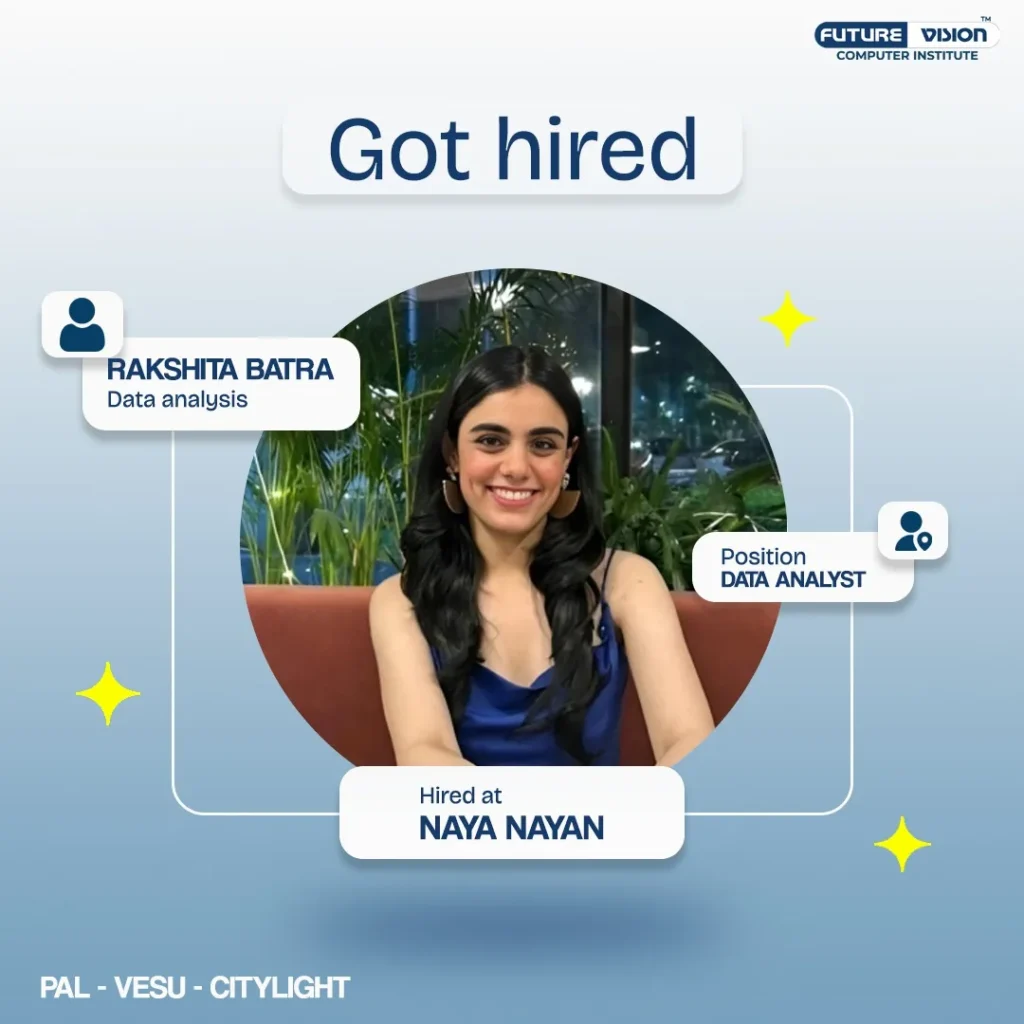
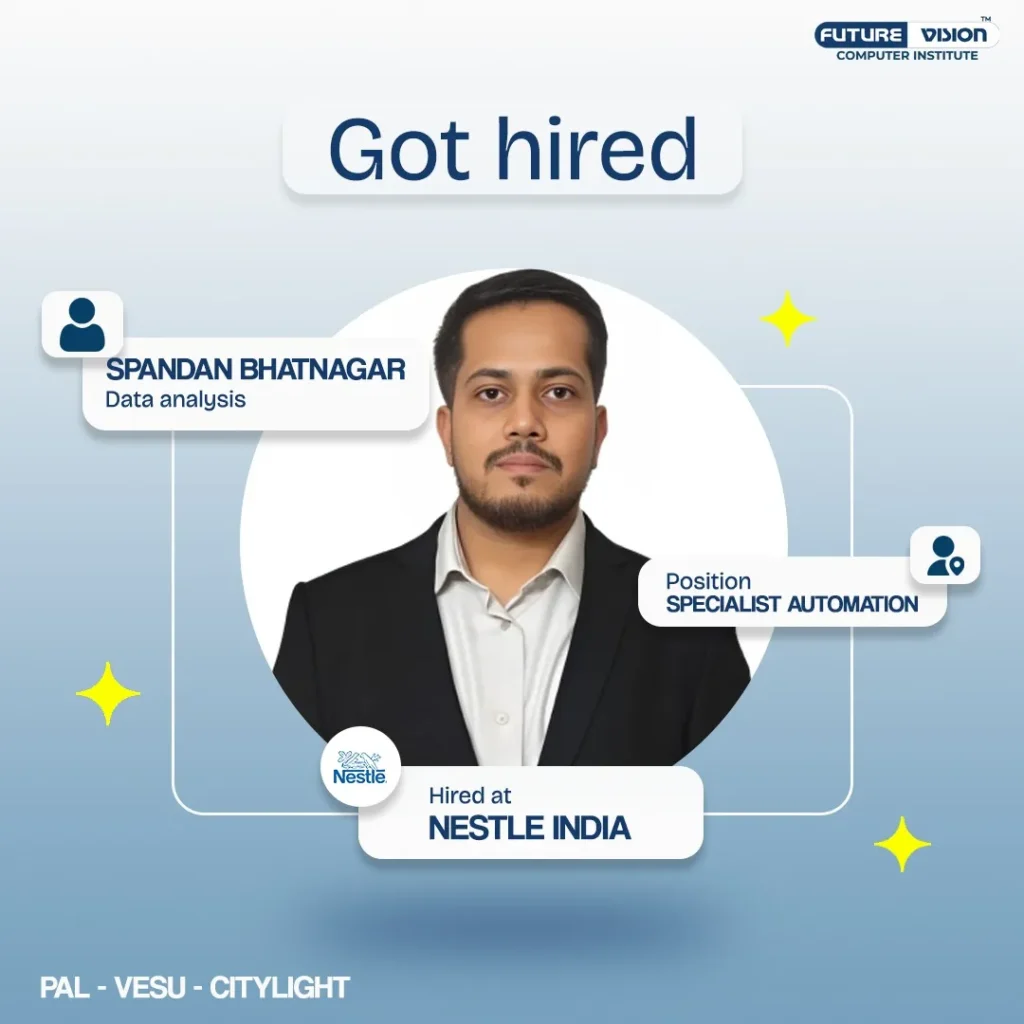
Our Achievers of Data Analytics Course





Why Choose Us ?
What Our Students Have To Say About Us


i feel more confident using basic programs and shortcuts now. the teachers are friendly too. overall, it was an engaging and useful learning experience.


I have completed my python programming course with great learning!!


It is an amazing experience here studying new things and enjoyed learning


Overall great experience, and recommend for someone starting afresh.


If you're planning to pursue a computer course, I highly recommend visiting Future Vision. All the faculty members are very cooperative, and I want to extend a special thanks to Yash Sir for building my confidence and supporting me throughout the journey.
Thank you, Future Vision, for making this learning experience so enriching.


The institute provided detail learning about graphics. It helped me to sharpen my skills . Highly recommend!

Thanks


Sir Yash made even the tough parts easy to understand, and the hands-on practice really helped me improve my skills. I now feel much more confident using Excel and creating dashboards in Power BI. Highly recommend this course!
Sir Yash made even the tough parts easy to understand, and the hands-on practice really helped me improve my skills. I now feel much more confident using Excel and creating dashboards in Power BI. Highly recommend this course!

The training was clear, practical,and easy to understand.The teacher explained everything step by step nd was always ready to help.I feel more confident using the computer now.
The training was clear, practical,and easy to understand.The teacher explained everything step by step nd was always ready to help.I feel more confident using the computer now.


Yash sir is very professional, he teaches everything very calmly and class environment was also very good
Yash sir is very professional, he teaches everything very calmly and class environment was also very good

Future Vision isn’t just a tuition center—it’s a place where students truly understand and enjoy learning about computers and technology. Whether it’s Informatics Practices or other computer-related courses, the teaching here is structured, engaging, and designed to make complex concepts easy to grasp.
What sets Future Vision apart is its focus on practical learning. Instead of just memorizing theory, students get hands-on experience, which builds real skills they can use in the future. The instructors are patient, knowledgeable, and always ready to help, making learning a stress-free and enjoyable process.
Beyond academics, Future Vision creates a positive and motivating environment where students feel encouraged to ask questions, explore new ideas, and build confidence in their abilities. It’s a place that truly prepares students for a tech-driven future, making learning both meaningful and exciting.
Future Vision isn’t just a tuition center—it’s a place where students truly understand and enjoy learning about computers and technology. Whether it’s Informatics Practices or other computer-related courses, the teaching here is structured, engaging, and designed to make complex concepts easy to grasp.
What sets Future Vision apart is its focus on practical learning. Instead of just memorizing theory, students get hands-on experience, which builds real skills they can use in the future. The instructors are patient, knowledgeable, and always ready to help, making learning a stress-free and enjoyable process.
Beyond academics, Future Vision creates a positive and motivating environment where students feel encouraged to ask questions, explore new ideas, and build confidence in their abilities. It’s a place that truly prepares students for a tech-driven future, making learning both meaningful and exciting.


Personal attention is been provided by tutors.
It was a good experience learning at future vision.
Personal attention is been provided by tutors.
It was a good experience learning at future vision.


Great experience
Loved the course and learnt alot
also the explanation was very detailed.
Great experience
Loved the course and learnt alot
also the explanation was very detailed.







The course material provided was comprehensive and well-organized. The coaching classes provided lecture notes, practice exercises, and additional resources like code samples and reference materials.
The course emphasized practical application through coding exercises and mini-projects.
Considering the quality of teaching, course content, and overall learning experience, I believe the course offered excellent value for money.
Overall, I highly recommend the Python Programming course at the future vision computer institute . It is suitable for beginners and individuals with some prior programming experience looking to expand their knowledge of Python.
The course material provided was comprehensive and well-organized. The coaching classes provided lecture notes, practice exercises, and additional resources like code samples and reference materials.
The course emphasized practical application through coding exercises and mini-projects.
Considering the quality of teaching, course content, and overall learning experience, I believe the course offered excellent value for money.
Overall, I highly recommend the Python Programming course at the future vision computer institute . It is suitable for beginners and individuals with some prior programming experience looking to expand their knowledge of Python.




Siddharth sir's expertise and knowledge in the arena made learning even more profound and enjoyable.
He has been nothing but patient with me, allowing me rectify my mistakes and helping me learn the technicality of the functions, formulas and usage with a greater depth.
I would surely recommend you to join future vision and enroll in the plethora of courses they offer.
Siddharth sir's expertise and knowledge in the arena made learning even more profound and enjoyable.
He has been nothing but patient with me, allowing me rectify my mistakes and helping me learn the technicality of the functions, formulas and usage with a greater depth.
I would surely recommend you to join future vision and enroll in the plethora of courses they offer.


Was amazing experience.
Was amazing experience.









My experience was good and I will surely suggest you to take classes from here.
My experience was good and I will surely suggest you to take classes from here.




Because Siddharth sir is best sir ever.
He's studing method is so deferent.
Because Siddharth sir is best sir ever.
He's studing method is so deferent.


Harsh Patel
Harsh Patel


Mr Yash who explained everything in such a detail that you will learn everything there only. He is really confident in his work and his concepts are crystal clear.
Environment of the place there is very warm.
This place is highly recommended to the ones looking for any computer courses. They have all basic and advanced learning programs.
Mr Yash who explained everything in such a detail that you will learn everything there only. He is really confident in his work and his concepts are crystal clear.
Environment of the place there is very warm.
This place is highly recommended to the ones looking for any computer courses. They have all basic and advanced learning programs.

Download Course Brochure
- 25 Sections
- 331 Lessons
- 34 Weeks
- DATA ANALYSIS IN EXCEL51
- 1.1Quick review on MS Excel Options, Ribbon, Sheets
- 1.2Saving Excel File as PDF, CSV and Older versions
- 1.3Using Excel Shortcuts with Full List of Shortcuts
- 1.4Copy, Cut, Paste, Hide, Unhide, and Link the Data in Rows, Columns and Sheet
- 1.5Using Paste Special Options
- 1.6Formatting Cells, Rows, Columns and Sheets
- 1.7Data Validation in Excel
- 1.8Grouping & Subtotal in Excel
- 1.9Protecting & Unprotecting Cells, Rows, Columns and Sheets with or without Password
- 1.10Page Layout and Printer Properties
- 1.11Working with Formulas / function
- 1.12Logical Function: IF / ELSE, AND, OR, NOT, TRUE, NESTED IF/ELSE etc
- 1.13Database Functions
- 1.14Date & Time Functions: DATE, DATEVALUE, DAY, DAY360, SECOND, MINUTES, HOURS, NOW, TODAY, MONTH, YEAR, YEARFRAC, TIME, WEEKDAY, WORKDAY
- 1.15Information Functions
- 1.16Math & Trigonometry Functions: RAND, ROUND, CEILING, FLOOR, INT, LCM, EVEN, SUMIF,
- 1.17Statistical Functions: AVEDEV, AVERAGE, AVERAGEA, AVERAGEIF, COUNT, COUNTA, COUNTBLANK, COUNTIF, MAX, MAXA,MIN, MINA, STDEVA
- 1.18Text Functions: LEFT, RIGHT, TEXT, TRIM, MID, LOWER,UPPER, PROPER, REPLACE, REPT, FIND, SEARCH,SUBSTITUTE, TRIM, TRUNC, CONVERT, CONCATENATE.
- 1.19Conditional Formatting
- 1.20Using Conditional Formatting
- 1.21Using Conditional Formatting with Multiple Cell Rules
- 1.22Using Color Scales and Icon Sets in Conditional Formatting
- 1.23Creating New Rules and Managing Existing Rules
- 1.24Data Lock & Protection
- 1.25Advance Charts in Excel
- 1.26Area Charts and Surface Charts
- 1.27Trend line Charts and Candle Stick
- 1.28Charts and Pie Charts
- 1.29XY (Scatter Charts)
- 1.30Time Series Charts and Bubble Charts
- 1.31Radar Charts and Doughnut Charts
- 1.32Rotating 3D Excel Charts
- 1.33Working with Fill Series & Go to Special
- 1.34Consolidation in Excel
- 1.35What if Analysis in Excel
- 1.36Goal Seek
- 1.37Scenario Manager
- 1.38Data Table
- 1.39Working with Histogram
- 1.40Helps in summarize discrete or continuous data
- 1.41Helps in identifying the most efficient pricing plans in sales & marketing
- 1.42Regression Analysis in Excel
- 1.43Used To Analyse Categorical Data
- 1.44Commonly Used In Understanding Customer Behaviour
- 1.45To Understand the Relationship between a Company’s Stock Price & The Company’s Quarterly Earnings
- 1.46Working With Forecasting
- 1.47Sales Forecasting
- 1.48Demand Forecasting
- 1.49Forecasting For Decision Making
- 1.50Know How To Capture Information About Significant Market Events.
- 1.51Solving Complex Data Using The Power Query In Excel
- Professional Dashboards In Excel5
- Database Design in SQL27
- 3.1Introduction
- 3.2What is a Data Warehouse?
- 3.3Structure of a Data Warehouse
- 3.4Star Schema
- 3.5OLAP vs. OLTP
- 3.6Creating 1 dimensional arrays
- 3.7Creating 2 dimensional arrays
- 3.8Array indexing
- 3.9Accessing array elements
- 3.10Concatenating Numpy arrays
- 3.11Arithmetic operations with arrays
- 3.12Covariance
- 3.13Correlation
- 3.14Linear Regression
- 3.15Overview of various methods and attributes of Pandas
- 3.16Introduction
- 3.17Working with various Series attributes
- 3.18Introduction
- 3.19Pivoting
- 3.20Sorting
- 3.21Aggregation
- 3.22Descriptive statistical analysis with Pandas
- 3.23Introduction to Matplotlib
- 3.24Various Matplotlib methods
- 3.25Creating Line, Scatter, Bar, etc. charts
- 3.26Customising charts using: X and Y labels, Limits, Ticks, Legends
- 3.27Introduction to Pyplot
- Querying in MySQL16
- 4.1Introduction
- 4.2Creating New Tables
- 4.3SQL SELECT Statements
- 4.4Manipulating Data(Insert, Delete, Update)
- 4.5Distinct, Order By, Join clauses and Aggregate Functions
- 4.6Using Primary keys, Foreign keys
- 4.7Get Data from Multiple Tables
- 4.8Using DDL Statements
- 4.9Restricting and Sorting Data
- 4.10Using Single-row Functions
- 4.11Conversion Functions
- 4.12Conditional Expressions
- 4.13Using the Group Functions
- 4.14Subqueries to solve queries
- 4.15Linking SQL file with Python
- 4.16Accessing database
- Joins and Set Operations in SQL7
- Basic Python26
- 6.1Introduction to Python
- 6.2Python – The Universal Language
- 6.3Installing Python
- 6.4iPython – a better Python interpreter
- 6.5Types – Dynamic v/s Static Typing – tstrong v/s Weak Typing
- 6.6Numbers
- 6.7Strings
- 6.8Unicode
- 6.9Complex Types
- 6.10Operators – Operator Overloading
- 6.11Variables
- 6.12Scopping And Expressions
- 6.13Use of tabs and whitespaces as indent
- 6.14Conditionals – for…else
- 6.15The general syntax
- 6.16Default values for arguments
- 6.17Returning and receiving multiple values
- 6.18Variable number of arguments – args, kwargs
- 6.19Scope revisited
- 6.20Primitive v/s Composite Types
- 6.21Lists
- 6.22Tuples
- 6.23Maps (or Dictionaries)
- 6.24Sets
- 6.25Enums
- 6.26Looping Techniques
- Python Numpy9
- Python Pandas11
- Python Matplotlib11
- 9.1Introduction to Data Visualisation with Matplotlib
- 9.2Introduction to Matplotlib
- 9.3The Necessity of Data Visualisation
- 9.4Visualisations – Some Examples Facts and Dimensions
- 9.5Bar Graph
- 9.6Scatter Plot
- 9.7Line Graph and Histogram
- 9.8Outliers Analysis with Boxplots
- 9.9Subplots
- 9.10Choosing Plot Types
- 9.11Project
- Python Seaborn13
- 10.1Introduction
- 10.2Distribution Plots & Styling Options
- 10.3Pie – Chart and Bar Chart
- 10.4Scatter Plots & Pair Plots
- 10.5Revisiting Bar Graphs and Box Plots
- 10.6Heatmaps
- 10.7Line Charts
- 10.8Stacked Bar
- 10.9Charts Case Study Summary
- 10.10Plotly Practice Questions
- 10.11Practice Questions Solution
- 10.12Data Visualisation Practice Questions
- 10.13Case Study
- Statistics Essentials11
- Microsoft Power BI31
- 12.1COMPONENTS OF POWER BI: DESKTOP, SERVICE, AND MOBILE APPS
- 12.2BENEFITS AND APPLICATIONS OF POWER BI
- 12.3POWER BI ARCHITECTURE OVERVIEW
- 12.4INSTALLING AND SETTING UP POWER BI DESKTOP
- 12.5CONNECTING TO DATA SOURCES (EXCEL, CSV, ONLINE SERVICES, ETC.)
- 12.6CLEANING AND TRANSFORMING DATA
- 12.7HANDLING MISSING DATA SPLITTING AND MERGING COLUMNS
- 12.8DATA FORMATTING AND STANDARDIZATION WORKING WITH RELATIONSHIPS BETWEEN TABLES
- 12.9CREATING CUSTOM COLUMNS AND MEASURES WITH DAX (DATA ANALYSIS EXPRESSIONS)
- 12.10CREATING RELATIONSHIPS BETWEEN TABLES UNDERSTANDING
- 12.11CALCULATED COLUMNS AND MEASURES
- 12.12MANAGING MODEL PERFORMANCE WITH OPTIMIZATION TECHNIQUES
- 12.13CREATING BASIC CHARTS: BAR, LINE, PIE, AND COLUMN CHARTS
- 12.14ADVANCED VISUALS: SCATTER PLOTS, MAPS, FUNNEL CHARTS, & GAUGES USING SLICERS, FILTERS, & DRILL-THROUGHS.
- 12.15CREATING AND CUSTOMIZING DASHBOARDS FORMATTING AND STYLING REPORTS FOR BETTER USER EXPERIENCE USING POWER BI MARKETPLACE FOR CUSTOM VISUALS
- 12.16CALCULATED COLUMNS AND MEASURES
- 12.17AGGREGATION FUNCTIONS (SUM, AVERAGE, COUNT)
- 12.18TIME INTELLIGENCE FUNCTIONS (YTD, MTD, QTD)
- 12.19PUBLISHING REPORTS TO POWER BI SERVICE
- 12.20CREATING DASHBOARDS IN POWER BI SERVICE
- 12.21SHARING REPORTS AND DASHBOARDS WITH OTHERS
- 12.22EXPORTING REPORTS TO PDF
- 12.23POWER BI FOR BUSINESS USE CASES
- 12.24SALES ANALYSIS
- 12.25FINANCIAL REPORTING
- 12.26CONNECTING POWER BI DESKTOP WITH MOBILE FOR REAL TIME ANALYSIS
- 12.27CASE STUDIES AND LIVE PROJECTS
- 12.28RETAIL ANALYSIS DASHBOARDS
- 12.29TELECOM CHURN RATE DASHBOARD
- 12.30OLA COMPANY DASHBOARD
- 12.31BLINKIT ANALYSIS DASHBOARD
- Git and GitHub3
- R Programming43
- 14.1R–OVERVIEW
- 14.2R – ENVIRONMENT SETUP
- 14.3R – BASIC SYNTAX
- 14.4R – DATA TYPES
- 14.5R – VARIABLES
- 14.6R – OPERATORS
- 14.7R – DECISION MAKING
- 14.8R – LOOPS
- 14.9R – FUNCTION
- 14.10R – STRINGS
- 14.11R – LISTS
- 14.1213.R – MATRICES
- 14.13R – ARRAYS
- 14.14R – FACTORS
- 14.15R – DATA FRAMES
- 14.16R – PACKAGES
- 14.17R – DATA RESHAPING Melt
- 14.18The Data
- 14.19R – CSV FILES
- 14.20R – EXCEL FILE Input as xlsx
- 14.21File
- 14.22R – BINARY FILES
- 14.23R – XML FILES
- 14.24R – JSON FILE
- 14.25R – WEB DATA
- 14.26R – DATABASES
- 14.27R – PIE CHARTS
- 14.28R – BOXPLOTS
- 14.29R – HISTOGRAMS
- 14.30R – LINE GRAPHS
- 14.31R – SCATTERPLOTS
- 14.32R – LINEAR REGRESSION
- 14.33R – MULTIPLE REGRESSION
- 14.34R – LOGISTIC REGRESSION
- 14.35R – NORMAL DISTRIBUTION
- 14.36R – BINOMIAL DISTRIBUTION
- 14.37R – POISSON REGRESSION
- 14.38R – ANALYSIS OF COVARIANCE
- 14.39R – TIME SERIES ANALYSIS
- 14.40R – NONLINEAR LEAST SQUARE
- 14.41R – DECISION TREE
- 14.42R – SURVIVAL ANALYSIS
- 14.43R – CHI SQUARE TEST
- Understanding EDA36
- 15.1The CRISP-DM Framework
- 15.2DEFINE THE BUSINESS PROBLEM – BUSINESS UNDERSTANDING
- 15.3OWNING AN IPL TEAM – BUSINESS UNDERSTANDING
- 15.4UNDERSTANDING RAW DATA
- 15.5PREPARING DATA FOR ANALYSIS
- 15.6DATA ANALYSIS: MODELLING
- 15.7MODEL EVALUATION
- 15.8MODEL DEPLOYMENT
- 15.9DATA SOURCING
- 15.10PUBLIC AND PRIVATE DATA
- 15.11DATA CLEANING
- 15.12FIXING ROWS AND COLUMNS
- 15.13MISSING VALUES
- 15.14STANDARDISING VALUES
- 15.15FILTERING DATA
- 15.16INVALID VALUES
- 15.17DATA DESCRIPTION
- 15.18UNIVARIATE ANALYSIS
- 15.19UNORDERED CATEGORICAL VARIABLES
- 15.20QUANTITATIVE VARIABLES – SUMMARY METRICS
- 15.21QUANTITATIVE VARIABLES – UNIVARIATE ANALYSIS
- 15.22SEGMENTED UNIVARIATE
- 15.23INTRODUCTION TO SEGMENTED UNIVARIATE ANALYSIS
- 15.24BASIS OF SEGMENTATION
- 15.25QUICK WAY OF SEGMENTATION
- 15.26COMPARISON OF AVERAGES
- 15.27COMPARISON OF OTHER METRICS
- 15.28BIVARIATE ANALYSIS
- 15.29BIVARIATE ANALYSIS ON CONTINUOUS VARIABLES
- 15.30BUSINESS PROBLEMS INVOLVING CORRELATION
- 15.31BIVARIATE ANALYSIS ON CATEGORICAL VARIABLES
- 15.32DERIVED METRICS
- 15.33WHAT ARE DERIVED METRICS?
- 15.34TYPE DRIVEN METRICS
- 15.35BUSINESS DRIVEN METRICS
- 15.36TYPES OF DERIVED METRICS: DATA DRIVEN
- AI for Data-Driven Decision-Making2
- From Data to Decisions: Data Cleaning and Analysis With AI3
- Data Detective: Exploratory Data Analysis (EDA) With AI2
- From Data to Story: Tailoring Your Narrative2
- From Data to Story: Visual Storytelling2
- Presenting Your Data Story: From Report to Impact2
- AI for Coding Assistance3
- Learning OutcomesBy the end of this course, learners will be able to:
1. Apply AI techniques to clean, analyze, and explore data efficiently.
2. Identify patterns, trends, and insights through exploratory analysis.
3. Transform raw data into compelling stories and visualizations.
4. Create impactful reports and presentations for decision-making.
5. Use AI to enhance coding, automation, and advanced analytics tasks.0 - CASE STUDIES8
- EDA PROJECTS7




Connect With Us
Follow us for updates on our latest courses and events!