

When people search for a course online, they usually see many ads that look almost the same.
But some ads stand out immediately because they show extra details like links, highlights, contact options, or location information.
These extra elements are called ad extensions, and they play a major role in improving ad performance—especially when promoting top digital marketing courses.
Ad extensions help potential learners understand your offering faster and take action with more confidence.
Why Ad Extensions Are Important for Course Promotions
Ad extensions make your ads:
- More visible on the search page
- Easier to understand
- More trustworthy
- More clickable
When someone searches for the best digital marketing courses near me, they are comparing options quickly. Ads with extensions feel more complete and reliable, which increases the chances of a click.
Extensions also help:
- Increase CTR
- Lower cost per click
- Improve ad rank
- Attract higher-quality enquiries

Most Useful Ad Extensions for Digital Marketing Courses
1. Sitelink Extensions
Sitelinks are extra links shown below your main ad.
Examples:
- Course Curriculum
- Fees & Duration
- Placement Support
- Free Demo Session
These links help users directly access the information they care about—very useful when someone is searching for a digital marketing course institute near me.
Why sitelinks work:
People like shortcuts. The faster they find answers, the faster they enquire.
2. Callout Extensions
Callouts are short phrases that highlight key benefits.
Examples:
- Practical Training
- Placement Assistance
- Industry Tools
- Certification Included
Callouts quickly communicate value, especially for users comparing top digital marketing courses.
3. Call Extensions
Call extensions add a phone number directly to your ad.
This works extremely well for:
- Quick admission queries
- Counselling requests
- Offline course enquiries
People searching for a digital marketing course with placement guarantee often prefer calling to clarify details immediately.
4. Location Extensions
Location extensions show your physical address or nearby area.
They are very effective when users search:
- “digital marketing course institute near me”
- “best digital marketing courses near me”
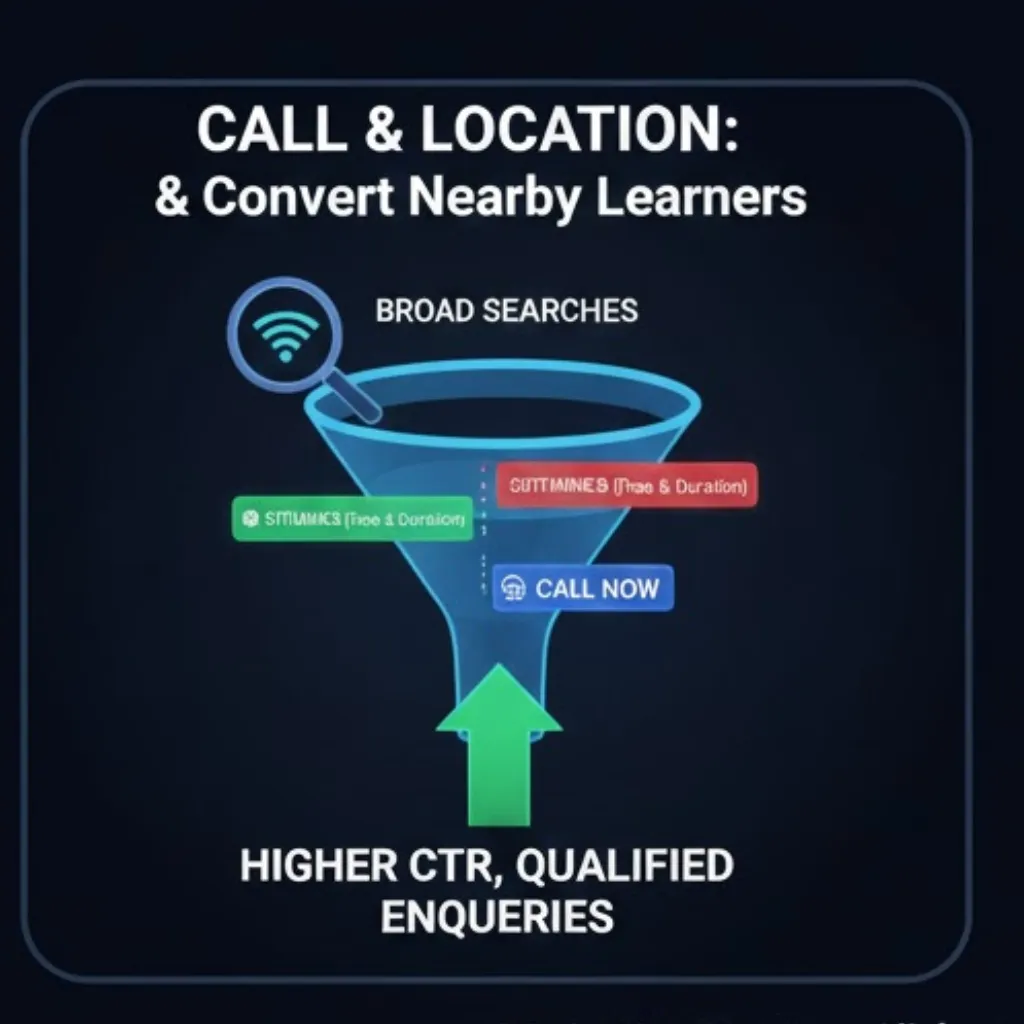
Seeing a nearby location builds instant trust and increases walk-in enquiries.
5. Structured Snippet Extensions
These show categories or lists in a clean format.
Examples:
- Courses Offered: SEO, Social Media, Google Ads
- Key Modules: SEO, Paid Ads, Analytics, Content
This helps users quickly understand what’s included in your digital marketing course with placement guarantee.
How Ad Extensions Improve Click-Through Rate
Ad extensions improve CTR because:
- Ads take more space on the page
- Information is clearer at first glance
- Ads look more professional
- Users can choose what they want to click
Higher CTR leads to:
- Lower CPC
- Better ad rank
- More consistent enquiries
Real Example: Course Campaign Performance Improvement
A brand promoting best digital marketing courses near me added:
- Sitelinks (Curriculum, Fees, Demo Class)
- Callouts (Placement Support, Practical Training)
- Call extension
Results after optimisation:
- CTR increased significantly
- Call enquiries increased
- Cost per enquiry reduced
The ads simply became more informative and easier to interact with.
How Ad Extensions Improve Lead Quality
Ad extensions act as filters.
For example:
- A user clicking “Placement Details” is more serious
- A user clicking “Call Now” is closer to joining
- A user checking “Fees & Duration” is evaluating affordability
This brings better-quality leads for top digital marketing courses instead of casual clicks.
Best Practices for Using Ad Extensions
1. Use All Relevant Extensions
Even if all don’t show every time, Google selects the best combination.
2. Keep Text Short and Clear
Short phrases perform better than long sentences.
3. Highlight Outcomes and Support
Placement, certification, and practical learning attract attention—especially for a digital marketing course with placement guarantee.
4. Link to High-Intent Pages
Use sitelinks for:
- Course details
- Demo registration
- Testimonials
5. Update Extensions Regularly
Refresh offers, batch details, and callouts every few weeks.
Common Mistakes to Avoid
- Using long, unclear callouts
- Linking sitelinks to irrelevant pages
- Forgetting to update extensions
- Repeating the same message everywhere
- Ignoring call extension timing
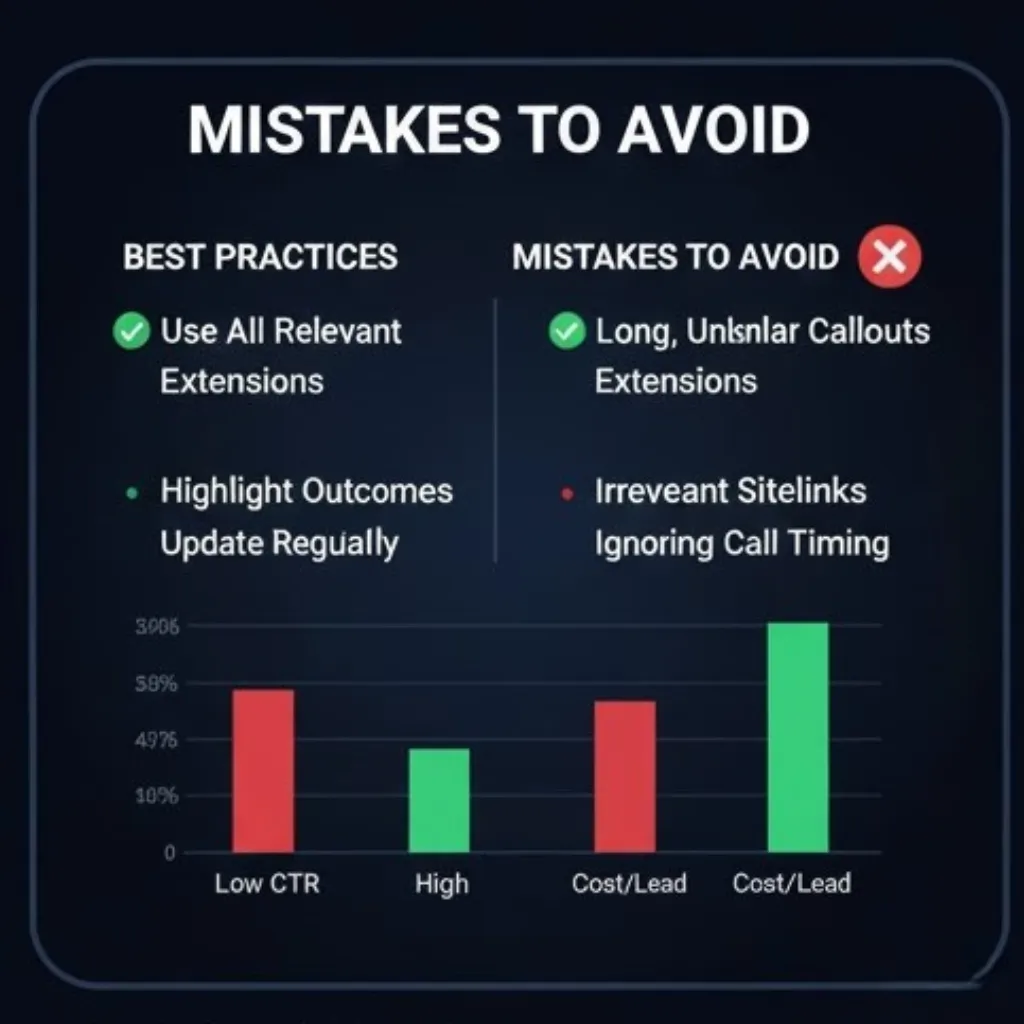
Extensions should add value—not clutter.
Conclusion
Ad extensions are small additions, but their impact is powerful.
When promoting:
- digital marketing course institute near me
- best digital marketing courses near me
- digital marketing course with placement guarantee
- top digital marketing courses
…ad extensions help your ads:
- Look more credible
- Communicate faster
- Attract serious learners
- Increase CTR
- Reduce costs
If you want stronger visibility and better-quality enquiries, ad extensions are not optional—they are essential.
Disclaimer: The images and videos used in this blog are for educational and illustrative purposes only. Some visuals may be generated using AI tools, while others are sourced from publicly available platforms. We do not claim ownership of any third-party images or videos. All rights and credits belong to their respective owners.
More Courses
Advance Digital Marketing & SEO course with Gen AI
Social Media Marketing course with Gen AI
Advanced Certificate in Digital Design & Marketing course with Gen AI

