
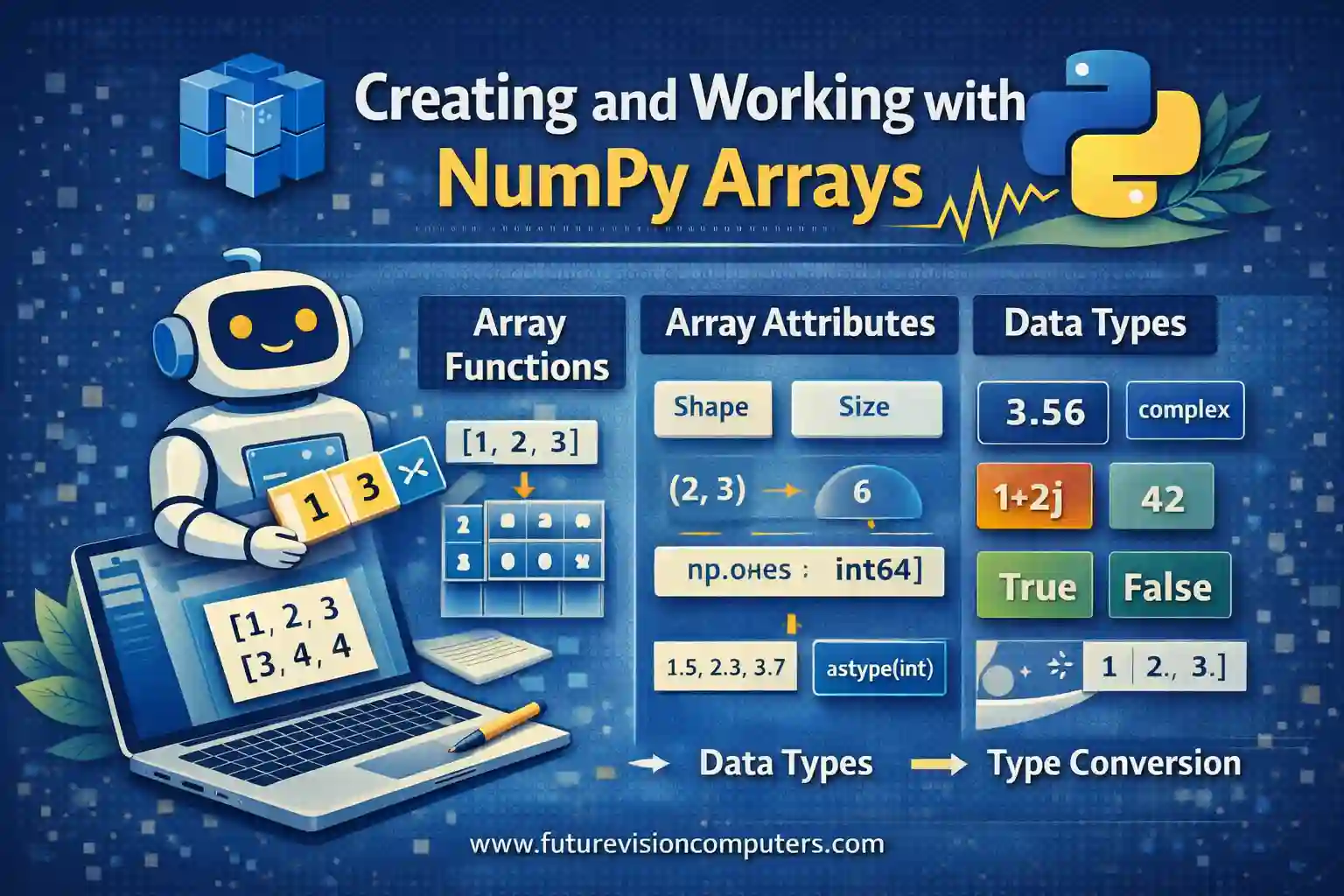
This educational material provides an in-depth, theoretical overview of fundamental NumPy concepts essential for scientific computing, data analysis, and machine learning. It is structured to facilitate both understanding and practical application, emphasizing key features such as array creation, attributes, data types, and type conversion.
Creating NumPy Arrays
NumPy’s core data structure is the ndarray, a highly efficient, multi-dimensional array optimized for numerical operations. Arrays streamline the handling of large datasets, enabling vectorized computations and fast data manipulation.
ndarray
The ndarray is a homogeneous collection of elements, all of the same data type, arranged in n axes. It forms the backbone of NumPy’s functionality, allowing complex multi-dimensional data to be stored and processed efficiently.
array() Function
This function creates arrays from Python sequences like lists or tuples. It provides a straightforward way to instantiate NumPy arrays with explicit data types and shapes, promoting efficient numerical data storage.
import numpy as np
list_data = [1, 2, 3]
array_data = np.array(list_data)
# Output: array([1, 2, 3])
zeros() Function
Creates an array filled entirely with zeros. It is especially useful for initializing matrices and placeholders in algorithms, such as setting up weight matrices in neural networks or simulation grids.
zero_array = np.zeros((3, 3))
# Output:
# array([[0., 0., 0.],
#        [0., 0., 0.],
#        [0., 0., 0.]])
ones() Function
Generates an array filled with ones, serving as an initial value for computations or as a baseline in machine learning algorithms.
one_array = np.ones(4)
# Output: array([1., 1., 1., 1.])
empty() Function
Creates an uninitialized array, which contains arbitrary data (garbage values). It offers performance benefits when memory is to be overwritten immediately after creation, suitable in high-performance scientific workflows.
empty_array = np.empty((2, 2))
# Output may contain unspecified data, e.g.,
# array([[1.0, 0.0],
#        [0.0, 0.0]])
Understanding NumPy Array Attributes and Methods
Arrays come with various attributes that describe their structure and data properties—a crucial knowledge area for data scientists and machine learning practitioners.
shape Attribute
Returns a tuple indicating the size of each dimension of the array. It is vital for understanding data structure and reshaping arrays for model input.
arr = np.array([[1, 2, 3], [4, 5, 6]])
print(arr.shape)
# Output: (2, 3)
dtype Attribute
Specifies the data type of array elements, such as int32, float64, or bool. Optimizing dtype reduces memory consumption and ensures compatibility in numerical operations.
print(arr.dtype)
# Output: dtype('int64') (or similar depending on system)
size Attribute
Indicates the total number of elements contained within the array, useful for validating data dimensions and iterating over array elements.
print(arr.size)
# Output: 6
ndim Attribute
Represents the number of axes (dimensions). Critical in multi-dimensional data analysis and in defining the shape of tensors for deep learning.
print(arr.ndim)
# Output: 2
itemsize Attribute
Displays the byte size of each element, important for efficiently managing memory during intensive scientific computations.
print(arr.itemsize)
# Output: 8 (bytes, depending on dtype)
Data Types in NumPy: NumPy dtypes and Type Conversion
NumPy Data Types (dtypes)
NumPy supports a wide range of data types, including integers (int8, int16, int32, int64), floating-point (float16, float32, float64), complex numbers, booleans, and custom data structures. Selecting appropriate dtypes allows optimized memory usage and computational efficiency.
Type Conversion in NumPy
Conversion between data types is achieved using the astype() method, ensuring compatibility across datasets and hardware architectures.
float_array = np.array([1.5, 2.3, 3.7])
int_array = float_array.astype(int)
# Output: array([1, 2, 3])
This facilitates robust data preprocessing, especially in applications like data cleaning where data type consistency is essential.
Practice Questions
- Create a 3×3 identity matrix using NumPy functions.
- Generate an array of five random integers between 10 and 50.
- Create a 2×4 array filled with zeros, then reshape it into a 4×2 array.
- Find the shape, size, and data type of the array:
np.array([[1, 2], [3, 4]]). - Convert an array of float numbers to integers and verify the result.
- Create an uninitialized array of shape (5, 5) and explain what its contents might be.
- Describe the effects of changing the
dtypeof an array from float64 to int32. - Generate a boolean array indicating whether elements in
[0, 1, 2, 3]are greater than 1. - Create a 1D array with elements from 5 to 15 using NumPy.
- Reshape a 1D array of size 12 into a 3-dimensional array of shape (2, 3, 2).
Sample Practice Code and Outputs
# Question 1
identity_matrix = np.eye(3)
print(identity_matrix)
# Output:
# [[1. 0. 0.]
#  [0. 1. 0.]
#  [0. 0. 1.]]

# Question 4
arr = np.array([[1, 2], [3, 4]])
print('Shape:', arr.shape)         # (2, 2)
print('Size:', arr.size)           # 4
print('Dtype:', arr.dtype)         # int64 or platform dependent

# Question 9
array_seq = np.arange(5, 16)
print(array_seq)
# Output: [ 5  6  7  8  9 10 11 12 13 14 15]
Resources for Further Study
- NumPy Official Documentation
- W3Schools NumPy Tutorial
- GeeksforGeeks NumPy Basics
- TutorialsPoint NumPy Guide
- Kaggle NumPy Tutorials
This comprehensive guide aims to familiarize beginners with NumPy’s foundational concepts, empowering them to use NumPy effectively in data analysis and scientific computation workflows.
More Courses
- Advanced Data Analytics with Gen AI
- Data Science & AI Course
- Advanced Certificate in Python Development & Generative AI
- Advance Python Programming with Gen AI

