
Introduction
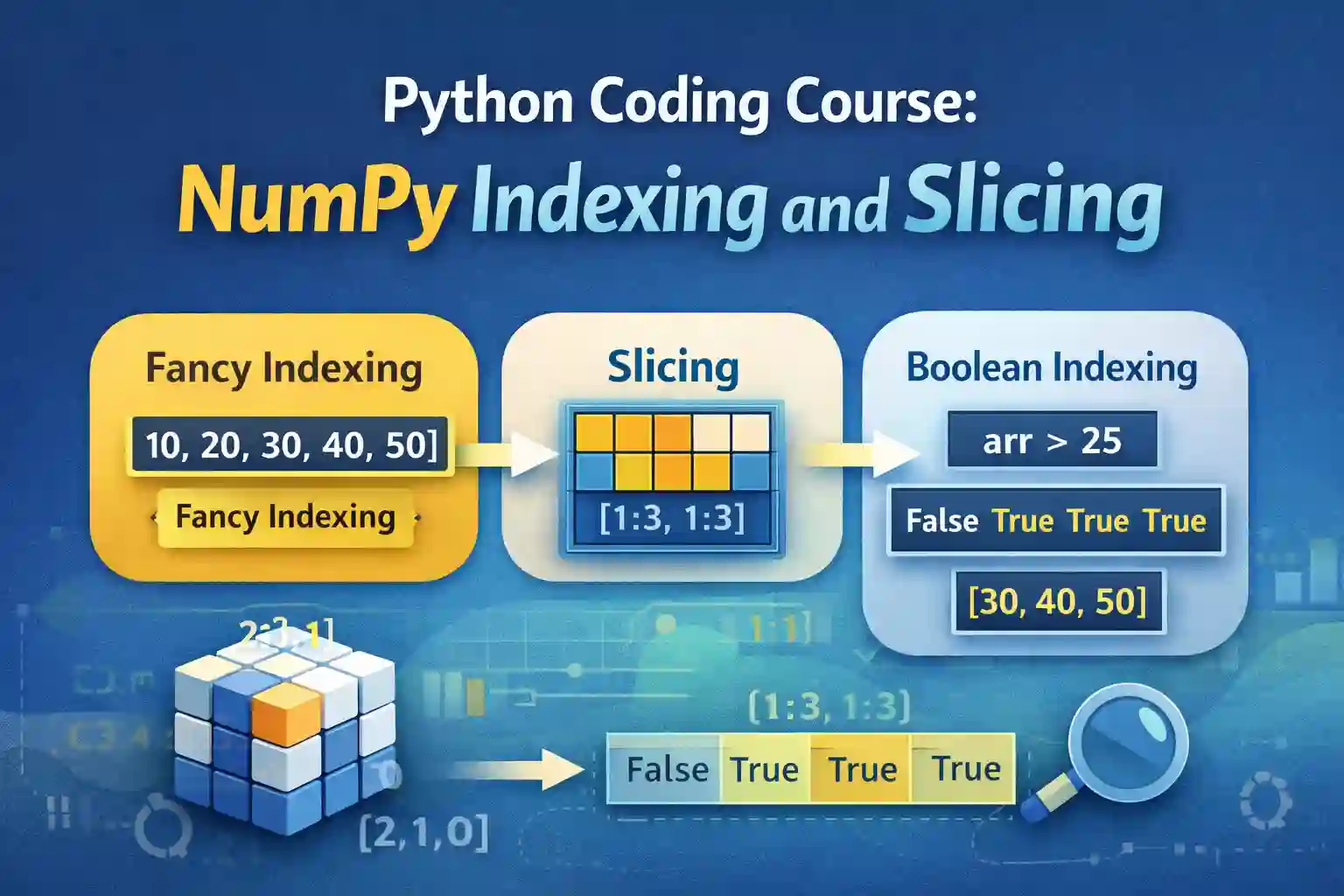
NumPy is a fundamental library for numerical computing in Python, widely used for array operations, data analysis, and scientific computing. Central to NumPy’s power is its ability to efficiently manipulate arrays through indexing and slicing. These techniques enable precise data selection, subarray extraction, and memory-efficient data handling.
This comprehensive guide covers all essential aspects of array indexing and slicing in NumPy, including advanced methods like boolean and fancy indexing, vital for efficient data science, machine learning, and numerical analysis.
Indexing Techniques in NumPy Arrays
Basic Array Indexing
Understanding how to access individual elements within NumPy arrays using integer indices
In NumPy, arrays are zero-indexed, meaning the first element is accessed with index 0. This approach applies uniformly across 1D, 2D, and higher-dimensional arrays.
In a 1D array:
import numpy as np
arr = np.array([10, 20, 30, 40])
element = arr[2]  # Accesses the third element
print(element)    # Output: 30
In a 2D array:
matrix = np.array([[1, 2], [3, 4]])
element = matrix[1, 0]  # Accesses element at second row, first column
print(element)          # Output: 3
Practical Example: Access specific pixel intensities in an image represented as a 2D array.
Multi-dimensional Indexing
Navigating complex data structures with multiple indices
In 2D arrays, indexing involves specifying row and column indices. For higher dimensions, tuples are used.
– Row and Column Access in 2D:
arr2d = np.array([[5, 6], [7, 8]])
value = arr2d[0, 1]  # First row, second column
print(value)        # Output: 6
– Multi-dimensional data access with tuples:
arr3d = np.random.rand(3, 3, 3)
element = arr3d[1, 2, 0]  # Access element in 3D array
Real-world example: Extracting a specific slice from a 3D tensor in image processing or scientific simulations.
Integer Array Indexing
Advanced technique to select multiple elements simultaneously
Instead of a single index, integer arrays specify multiple indices, enabling multi-element extraction.
– Index arrays to fetch specific elements:
arr = np.array([10, 20, 30, 40, 50])
indices = np.array([0, 2, 4])
selected = arr[indices]
print(selected)  # Output: [10 30 50]
– Use case: Selecting data points corresponding to specific conditions or sample IDs efficiently.
Impact of Indexing on Data Copy and View
Understanding whether an operation returns a view or a copy is crucial for memory management:
- Slices typically produce views: Changes to the view affect the original array.
- Advanced indexing with arrays creates copies: Changes do not affect the original array.
Example:
arr = np.array([1, 2, 3, 4])
view = arr[0:3]
view[0] = 100  # Alters arr as well

copy = arr[[0, 2]]
copy[0] = 999  # arr remains unchanged
Slicing Arrays for Efficient Data Manipulation
Array Slicing Fundamentals
Extracting subarrays or data segments using slice notation
Syntax: array[start:stop:step]. The start index is inclusive; stop is exclusive.
– Basic slicing example:
arr = np.array([0, 1, 2, 3, 4, 5])
sub_arr = arr[1:4]  # Elements at indices 1 to 3
print(sub_arr)      # [1 2 3]
Application: Filtering data based on position or interval, such as time-series segments.
Slicing Multidimensional Arrays
Selecting subarrays across multiple dimensions
Using slice notation on each axis:
matrix = np.array([[1, 2], [3, 4], [5, 6]])
sub_matrix = matrix[0:2, :]  # First two rows, all columns
# Result: array([[1, 2], [3, 4]])
Use case: Cropping regions in image data or extracting features from multi-dimensional datasets.
Step Sizes in Slicing
Using the step argument allows selecting elements at regular intervals or skipping data:
arr = np.array([0, 1, 2, 3, 4, 5])
every_second = arr[::2]  # Elements at indices 0, 2, 4
print(every_second)      # [0 2 4]
Efficiency: Facilitates data downsampling or pattern extraction in large datasets.
Memory Efficiency with Slicing
Slicing produces views, which access the original data without copying—ideal for memory-efficient processing. Care must be taken whether modifications affect the source data.
Boolean Indexing for Conditional Data Selection in NumPy
Boolean Mask Creation
Using comparison operators to generate boolean arrays based on conditions
Example: Filtering values greater than a threshold:
arr = np.array([10, 20, 30, 40, 50])
mask = arr > 25
print(mask)  # [False False  True  True  True]
Filtering Data with Boolean Indexing
Selecting elements that meet specific criteria:
filtered_arr = arr[arr > 25]
print(filtered_arr)  # [30 40 50]
Application: Data cleaning, outlier removal, or focusing analysis on relevant data points.
Applying Multiple Conditions
Combine boolean masks with logical operators:
mask = (arr > 15) & (arr < 45)
filtered = arr[mask]
# Output: array([20, 30, 40])
Use Cases in Data Science
Boolean indexing simplifies tasks such as:
- Filtering outliers in datasets.
- Selecting subsets based on complex conditions.
- Preprocessing data for machine learning models.
Fancy Indexing for Advanced Data Retrieval in NumPy
Definition and Concept
Using integer arrays to specify indices allows retrieving multiple elements simultaneously, especially from remote or non-contiguous positions.
Index Arrays for Multi-element Extraction
arr = np.array([0, 10, 20, 30, 40])
indices = np.array([3, 0, 4])
selected = arr[indices]
print(selected)  # [30  0 40]
Selecting Non-Contiguous Data
Useful when sampling data points spread across an array:
matrix = np.array([[1, 2], [3, 4], [5, 6]])
rows = np.array([0, 2])
cols = np.array([1, 0])
selected_elements = matrix[rows, cols]
# Output: array([2, 5])
Combining Fancy Indexing with Slicing
Combining methods enhances data extraction flexibility, which is pivotal in feature selection, data reshaping, or sampling for machine learning.
Use Cases in Data Analysis and Machine Learning
- Sampling random or specific subsets.
- Extracting features or labels during preprocessing.
- Efficiently manipulating large, multi-dimensional datasets.
Practice Questions
- Given
arr = np.array([5, 10, 15, 20, 25]), what is the output ofarr[1:4]?
Answer:[10 15 20] - How do you access the element in the second row, third column of a 2D array
mat = np.array([[1, 2, 3], [4, 5, 6]])?
Answer:mat[1, 2]→6 - Write code to select all elements greater than 50 in an array:
data = np.array([10, 55, 70, 30, 90]).
Answer:data[data > 50] # Output: array([55, 70, 90]) - For
arr = np.array([0, 1, 2, 3, 4, 5]), what doesarr[::2]return?
Answer:[0 2 4] - How does NumPy differentiate between when a slice returns a view versus a copy?
Answer: Slicing with:operator generally returns a view, while fancy indexing with arrays returns a copy. - Write code to select the elements
[3, 4]fromnp.array([1, 2, 3, 4, 5])using fancy indexing.
Answer:arr = np.array([1, 2, 3, 4, 5]) arr[[2, 3]] # Output: array([3, 4]) - Given a 3D array
arr3d = np.random.rand(3,3,3), how would you access the element at position(2,1,0)?
Answer:arr3d[2, 1, 0] - Using boolean indexing, filter the elements of
np.array([1, 2, 3, 4, 5])that are even.
Answer:arr = np.array([1, 2, 3, 4, 5]) arr[arr % 2 == 0] # Output: array([2, 4]) - Write code to extract the first two columns from a 4x4 matrix
mat.
Answer:mat[:2, :2] - For a dataset
scores = np.array([60, 85, 90, 70, 50]), use boolean indexing to select scores above 75.
Answer:scores[scores > 75] # Output: array([85, 90])
Resources for Further Study
This structured, theory-focused guide aims to deepen understanding of array indexing and slicing in NumPy, empowering data professionals to perform efficient data manipulations essential in data science and machine learning workflows.
More Courses
- Advanced Data Analytics with Gen AI
- Data Science & AI Course
- Advanced Certificate in Python Development & Generative AI
- Advance Python Programming with Gen AI

